
Pair your camera with the app
Open the Trace teams app:
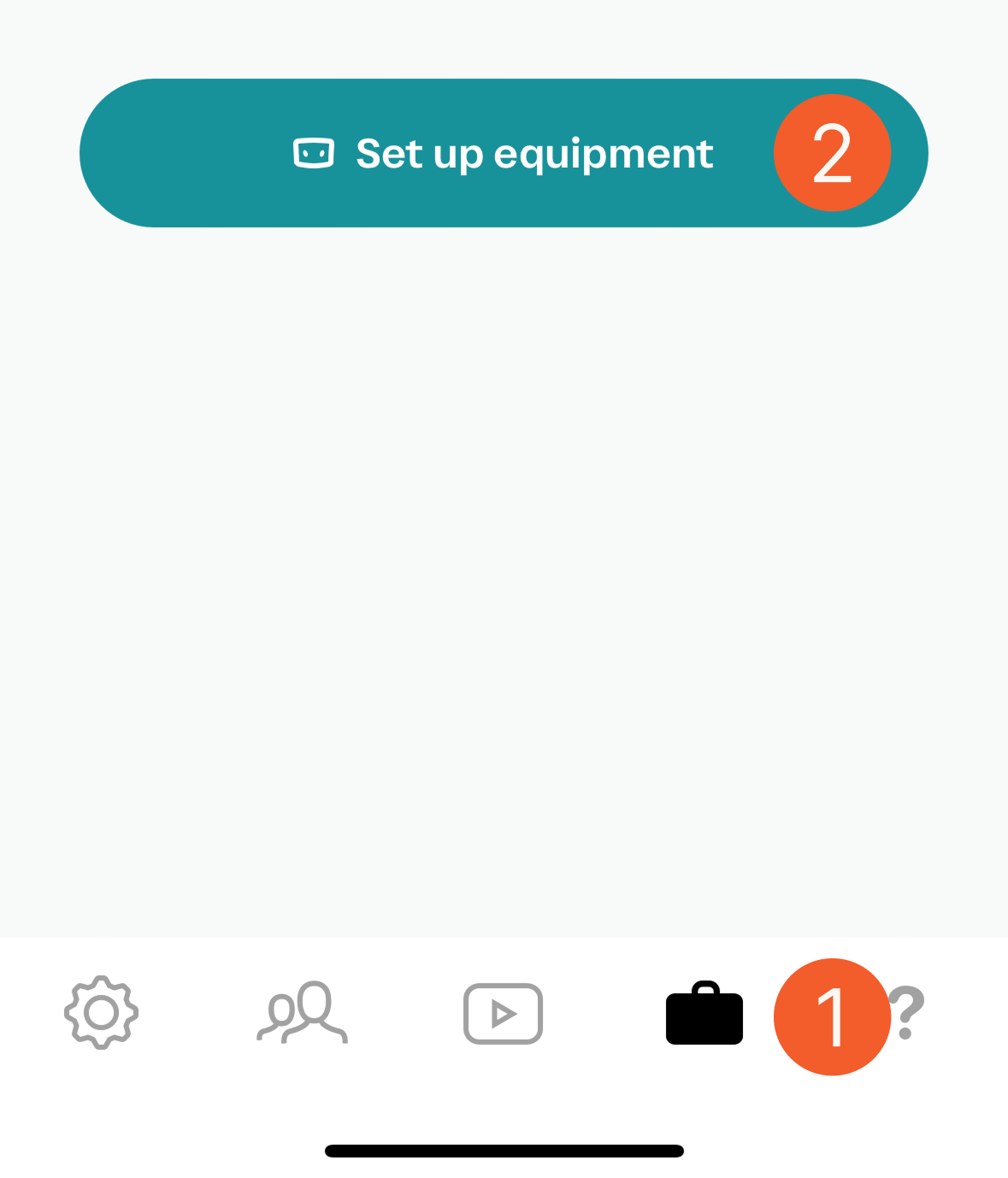
Tap the equipment icon in the bottom menu
Tap set up equipment
Follow the steps in the equipment setup wizard in the app.
Create a test game
If your camera is plugged in, please unplug it from both power and internet and turn it off by pressing the power button.
Log in to your Trace Teams iOS app and tap the games button (in the center of the bottom menu)

Tap (+ Trace a New Game)
Enter the opponent CMEquipmentTest, select Today, choose the next available time slot, and set the Half Lengths for 20 minutes
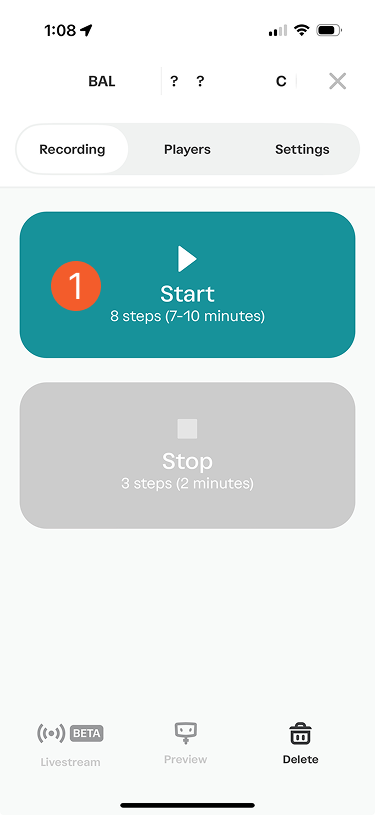
Tap (Start)

Start your test game
After you tap (Start) we’ll run through the equipment as if we were Tracing a real game. Follow the instructions in the Trace Teams App to start your game. You do not need to set up your tripod. Leave the camera on for 20 minutes.
End your test game
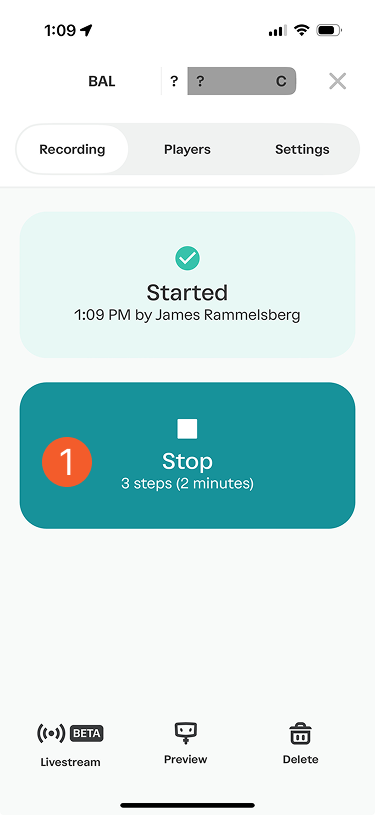
Return to your Trace Teams App, tap (Stop Tracing) and follow all remaining steps to Stop Tracing.
Upload the test data
Plug your camera into your internet router or modem, then plug in your power cable.
You can follow your upload progress in the Trace Teams mobile app. (This could take a few hours depending on your internet speed. )
Note: Our team will let you know if the test was successful once your data is processed. We will not send you your test game.
We recommend charging your camera for 24 hours before Tracing your first game.