
Once your camera ships, you can track it in the cameras tab on your Trace teams app
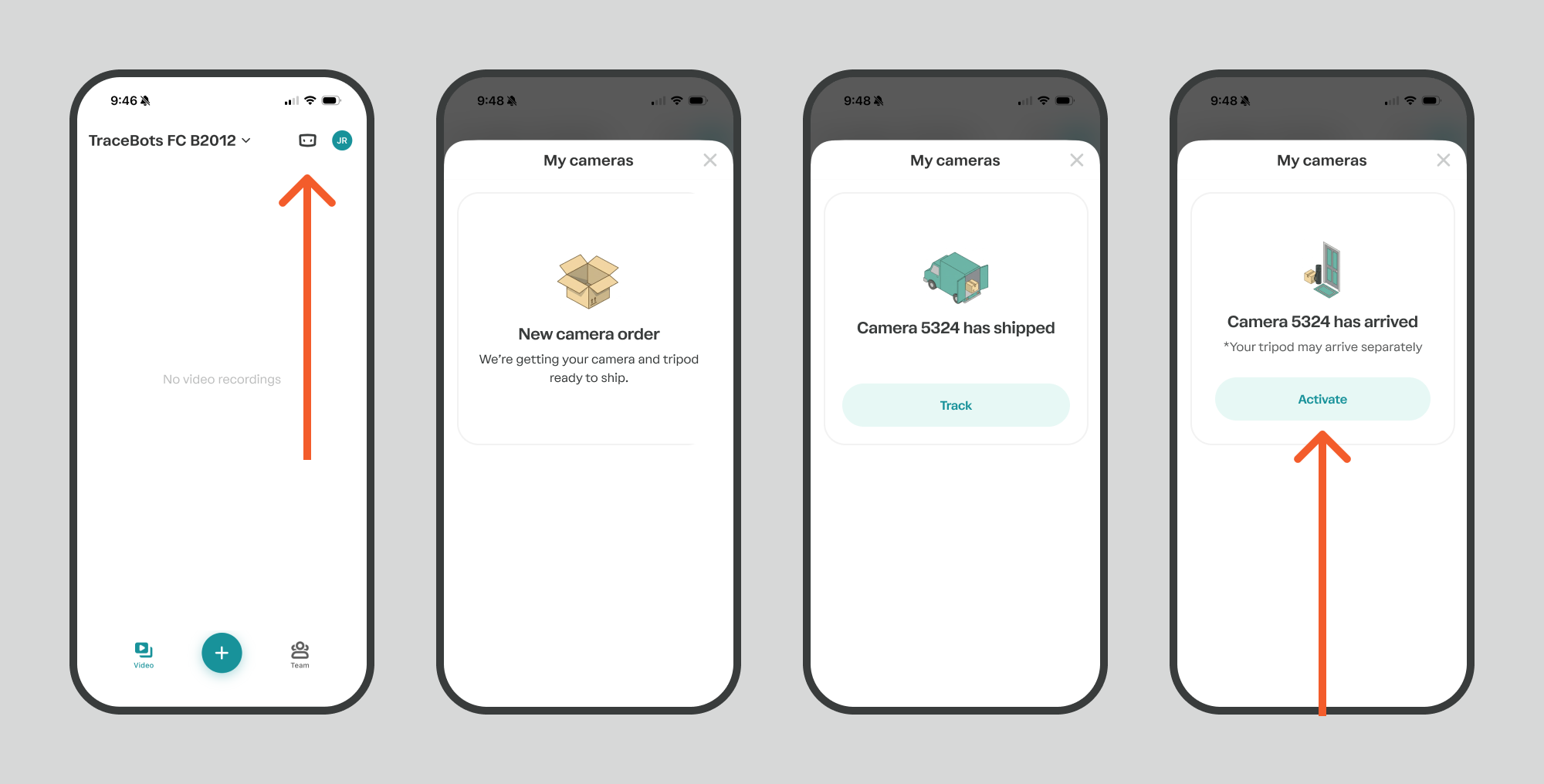
When the camera arrives, you are ready to activate it.
1. Pair your camera with the app
Open the Trace teams app:
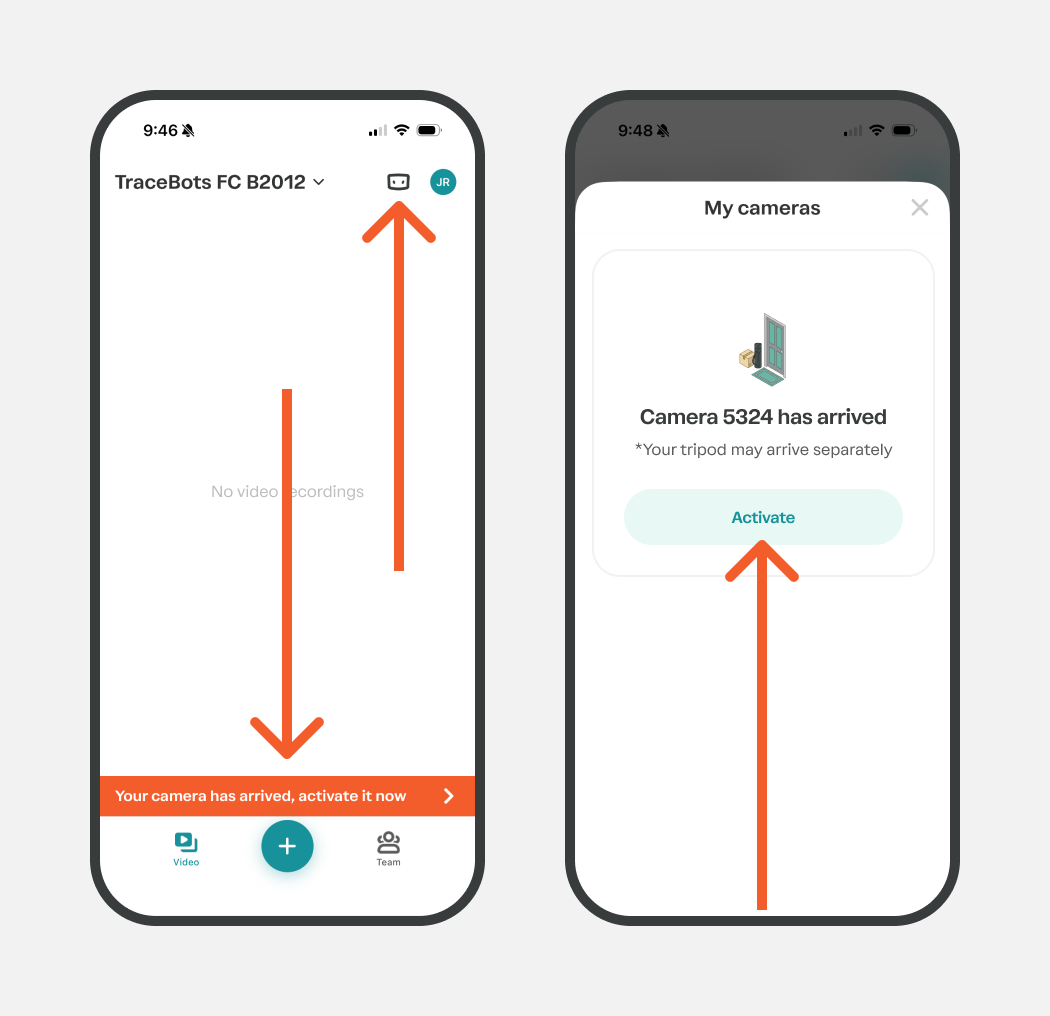
Tap the Cameras icon in the top right or the orange banner
Tap activate
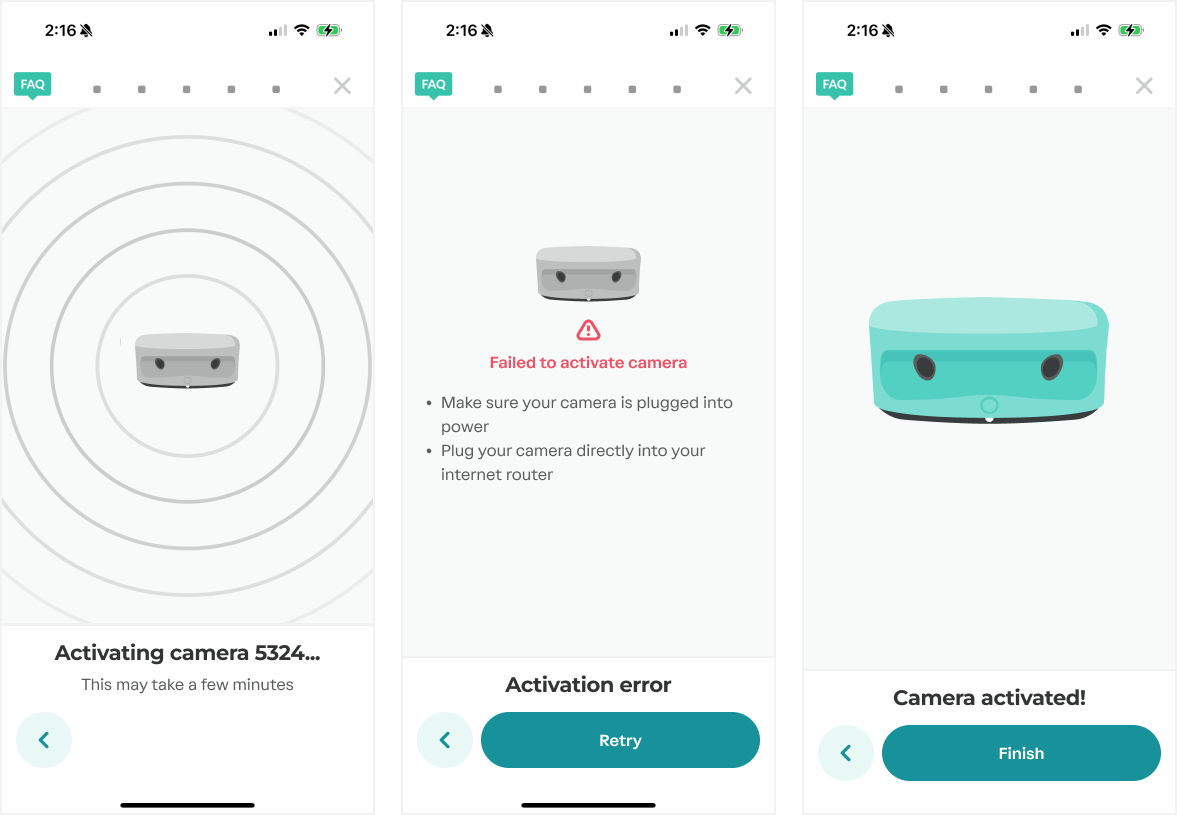
Follow the steps in the equipment setup wizard in the app.
Once your camera goes through the steps, it should be activated. If you see an activation error, please contact support.
2. Next, unplug all the cords from your camera.
3. Press the power button to turn off your camera.
4. You're ready to start recording!
We recommend you charge your camera overnight before your first game.